
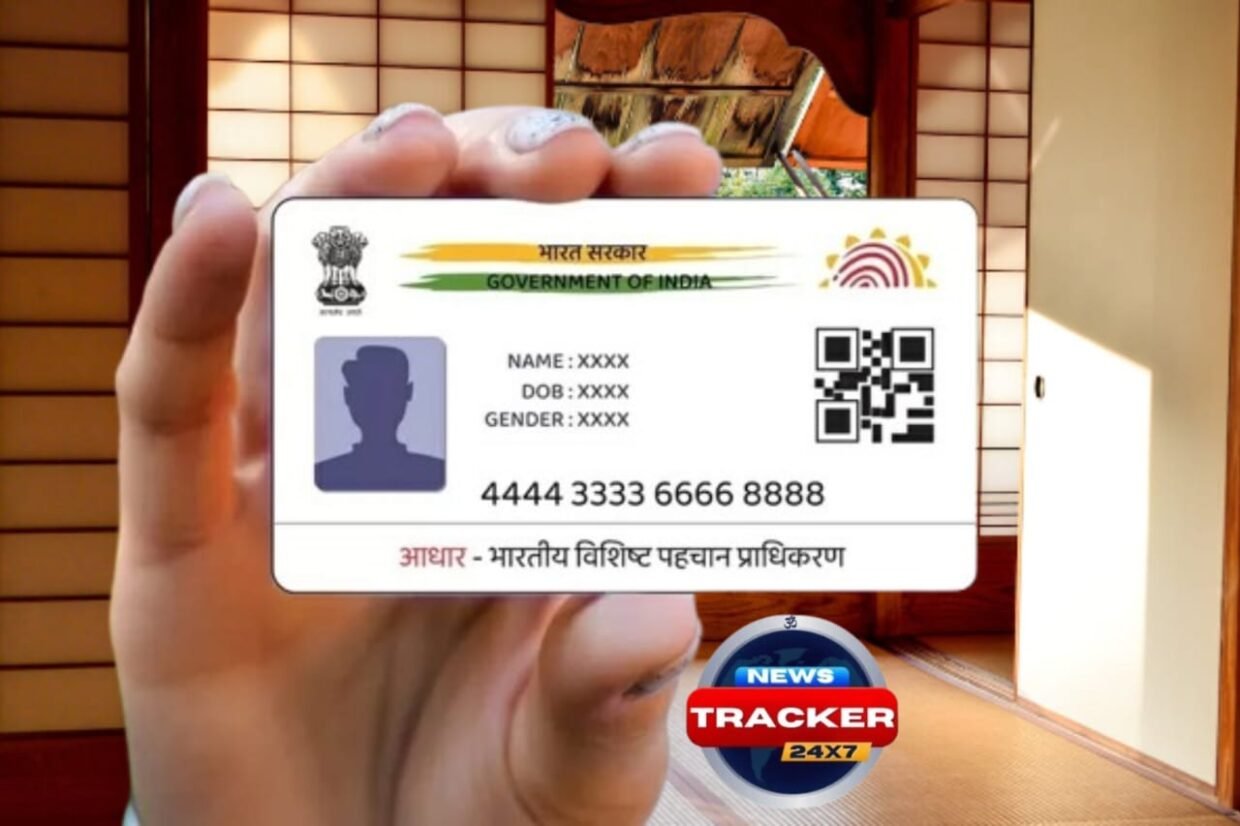
Download e-Aadhaar Online : e-Aadhaar has made identity verification simple and fast in today’s digital world. Instead of carrying a physical Aadhaar card everywhere, people can now use e-Aadhaar, which is a secure digital version issued by the Unique Identification Authority of India (UIDAI).
This digital Aadhaar is legally acceptable and may be used to prove your identity and address at banks, government offices, travel agencies, and many other businesses. The guide below explains exactly what e-Aadhaar is and how you may quickly obtain it.
What is e-Aadhaar?
E-Aadhaar is an electronic copy of the Aadhaar card in the PDF format. It is password-protected and digitally signed by the UIDAI.
The document includes:
- Aadhaar number
- Name, date of birth, and address
- Photograph of the Aadhaar holder
- Secure QR code for quick verification
e-Aadhaar has the same legal value as a physical Aadhaar card and can be used anywhere Aadhaar is required.
How to Download e-Aadhaar Online?
There are two easy ways to download e-Aadhaar: through the UIDAI website or the mAadhaar mobile app.
Option 1: Download e-Aadhaar from the UIDAI Website
Follow these simple steps:
- Visit the official UIDAI website.
- Click on the “Download Aadhaar” option.
- Enter your Aadhaar Number, Enrolment ID (EID), or Virtual ID (VID).
- Fill in the captcha code shown on the screen.
- Click on Send OTP.
- Enter the OTP received on your registered mobile number.
- Click on Download to save the e-Aadhaar PDF file.
Also reads : Google Pixel 9 Pro is currently available at a discount of Rs 27,500.
Option 2: Download e-Aadhaar Using the mAadhaar App
You can also download e-Aadhaar using your smartphone.
Steps to follow:
- Download the mAadhaar app from Google Play Store or Apple App Store.
- Log in using your Aadhaar details.
- Select the Download Aadhaar option.
- Verify your identity using the OTP sent to your mobile number.
- Save the e-Aadhaar PDF on your device.

How to Open the e-Aadhaar PDF File?
The e-Aadhaar file is password-protected for security reasons.
Password Format:
- First four letters of your name (in CAPITAL letters)
- Year of birth
Example:
- Name: Heena Sharma
- Year of Birth: 1990
- Password: HEEN1990
Once you enter the correct password, the PDF file will open easily.
Why e-Aadhaar is Useful?
- Easy to store on mobile or computer
- Accepted everywhere as valid Aadhaar proof
- No risk of losing a physical card
- Secure and digitally verified
Conclusion
e-Aadhaar is a secure, easy, and modern way to utilize your Aadhaar card. Anyone can get it online and utilize it for daily requirements without having to carry physical documents.
- you join our whatsapp channel
- you join our tazatimesnews Telegram Channel
- you join our tazatimesnews truthsocial.com Channel